Security testing that starts with one URL.
SmartScanner does the heavy lifting behind a simple workflow: discover the target, run relevant checks, and show you what deserves attention.
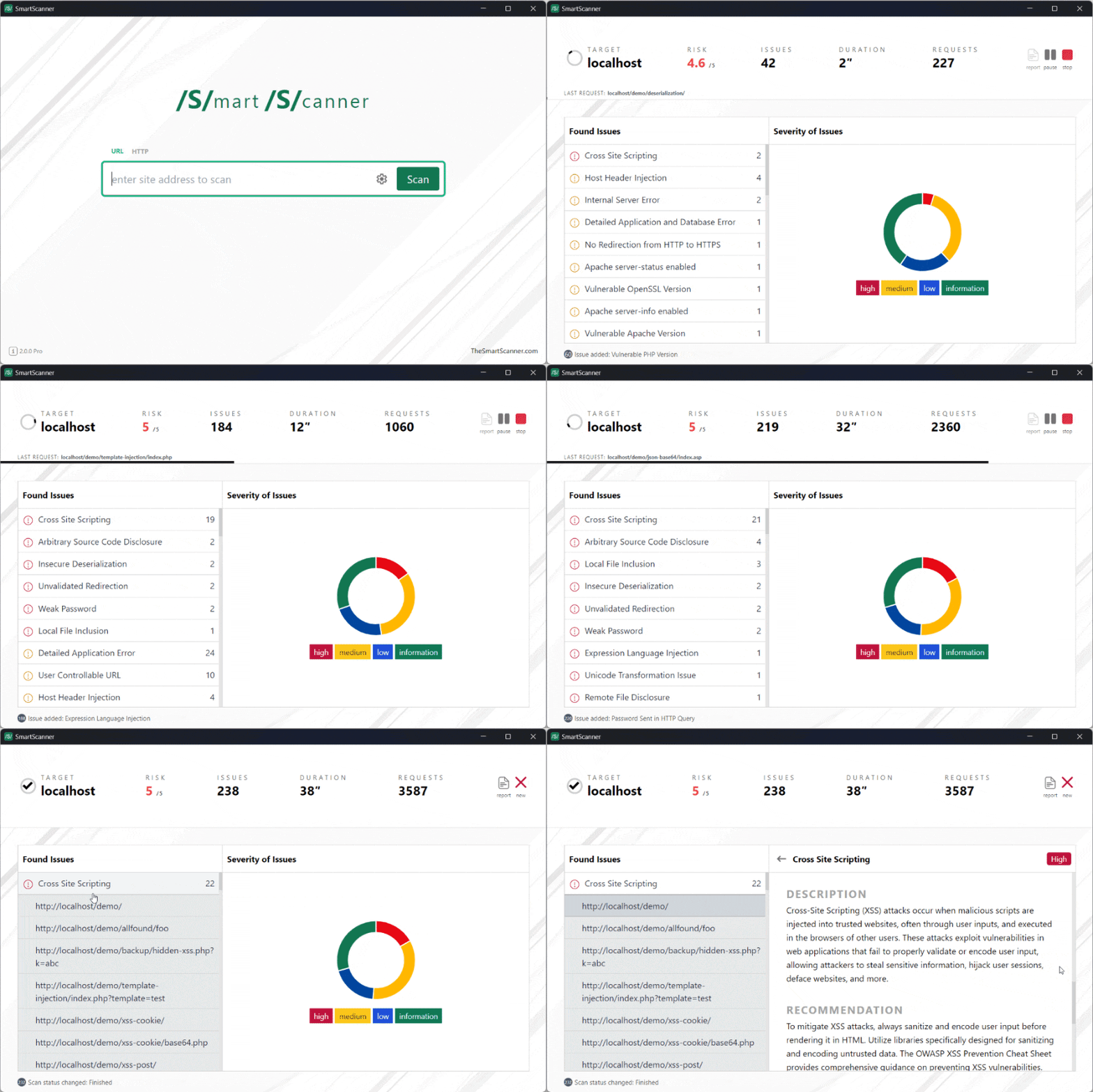
How it works
Less setup. More useful security work.
Go from a target URL to an informed next step without stitching together a dozen tools.
Enter the target
Start with a URL. SmartScanner handles the first layer of discovery while you stay focused on the application.
Run relevant checks
Technology detection helps tailor testing to the target, from its framework and CMS to its server and data layer.
Review what matters
Investigate findings with enough context to decide what to fix, verify, or explore next.
What makes it useful
Automation without the black box.
Automatic discovery
Identify operating systems, languages, servers, databases, and CMS platforms so testing is grounded in the target.
Broad vulnerability coverage
Go beyond a narrow checklist with coverage for serious web application and infrastructure weaknesses.
Findings with direction
Move from “something failed” to a clearer understanding of where the issue is and what deserves attention.
Configurable depth
Keep the quick start or tune paths, input vectors, forms, authentication, and proxy settings for a precise scan.
Reports you can use
Save results and export them for analysis, collaboration, or the next remediation conversation.
Room to scale
Scan individual targets, use the command line, or test a list of URLs when the work grows.
Fits the way you work
Simple enough for a first scan. Flexible enough for a real assessment.
SmartScanner gives different people the same useful starting point, then lets them choose how far to go.
Website owners
Get a practical view of what your site may be exposing without needing a security background.
Developers and DevOps teams
Work from the command line, configure targets, and bring findings into the delivery workflow.
Security professionals
Move quickly through broad coverage while retaining control over scan depth and evidence.
A scan you can shape
Optional controlsStart where you are
Make your first security scan the easy part.
Download SmartScanner and turn a URL into a clearer view of your website's security posture.