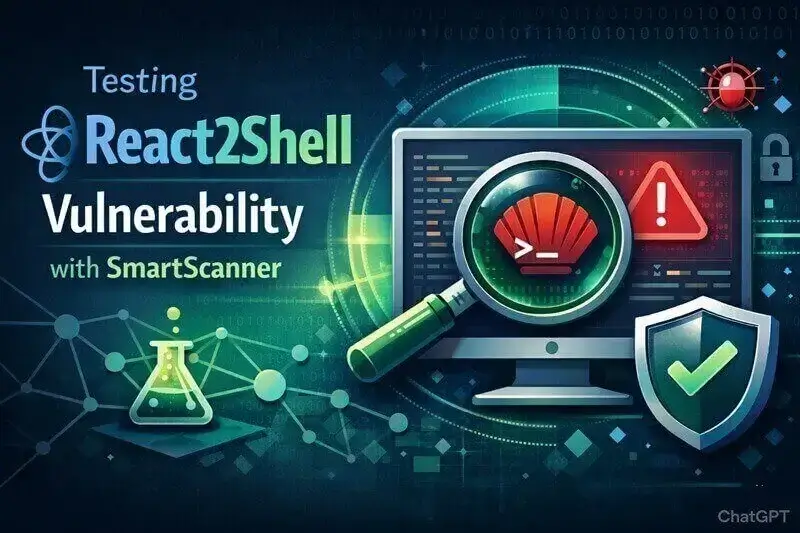
React2Shell is a critical remote code execution (RCE) vulnerability affecting server-side components of React (CVE-2025-55182) and the Next.js framework (CVE-2025-66478). When exploited, it allows attackers to execute arbitrary commands on vulnerable servers, potentially leading to full system compromise.
With more than 440000 websites using Next.js, the impact of React2Shell is significant. If your applications are built with Next.js, you should test them immediately and apply patches where necessary.
This guide explains how to detect React2Shell quickly and safely using SmartScanner.
Why Use SmartScanner to Test for React2Shell?
Several scanners and proof-of-concept tools exist for React2Shell detection. However, SmartScanner provides key advantages:
1. Smart Detection
SmartScanner automatically checks whether a target is running Next.js before testing for React2Shell. This:
- Reduces unnecessary requests
- Minimizes noise
- Lowers the risk of triggering WAF protections
2. Direct & Fast Detection
Many scanners rely on out-of-band (OOB) verification techniques. They send a request and wait for an external callback to confirm exploitation. This approach:
- Slows down scanning
- Can fail due to network issues
- Produces false negatives
SmartScanner detects React2Shell directly using a single request, making it significantly faster and more reliable.
3. Safe Testing
Some testing tools may unintentionally disrupt services or cause denial-of-service conditions during exploitation attempts. SmartScanner performs non-disruptive detection without interrupting normal server operations.
These makes SmartScanner a faster, reliable and safer scanner for testing React2Shell.
How to Detect React2Shell with SmartScanner (GUI)
Testing for React2Shell with SmartScanner is straightforward.
Scan a Single Target
- Download and install SmartScanner.
- Open SmartScanner.
- Enter the target URL you want to test.
- Click the gear icon to open configuration settings.
- Deselect all tests except Next.js Tests.
- Return to the main screen and click Start.
If the target is vulnerable, the issue will appear in the Found Issues panel. You can click the finding to view technical details, request/response data and other useful contents.
Scan Multiple URLs for React2Shell
You can quickly test a list of targets in bulk.
- Prepare a text file containing a newline-separated list of URLs.
- Open SmartScanner.
- Drag and drop the file into the main input field
(Alternatively, click the three-dot menu to browse and select the file.) - Open configuration settings (gear icon).
- Disable all tests except Next.js Tests.
- (Optional) Enable –no-follow to prevent scanning additional linked pages
- Start the scan.
Any vulnerable targets will appear in the Findings section.
Using SmartScanner CLI (sms.exe)
SmartScanner also includes a command-line version (sms.exe) for automation and CI/CD pipelines.
Default installation path (Windows):
%LocalAppData%\Programs\SmartScanner\
Scan a Single Target (CLI)
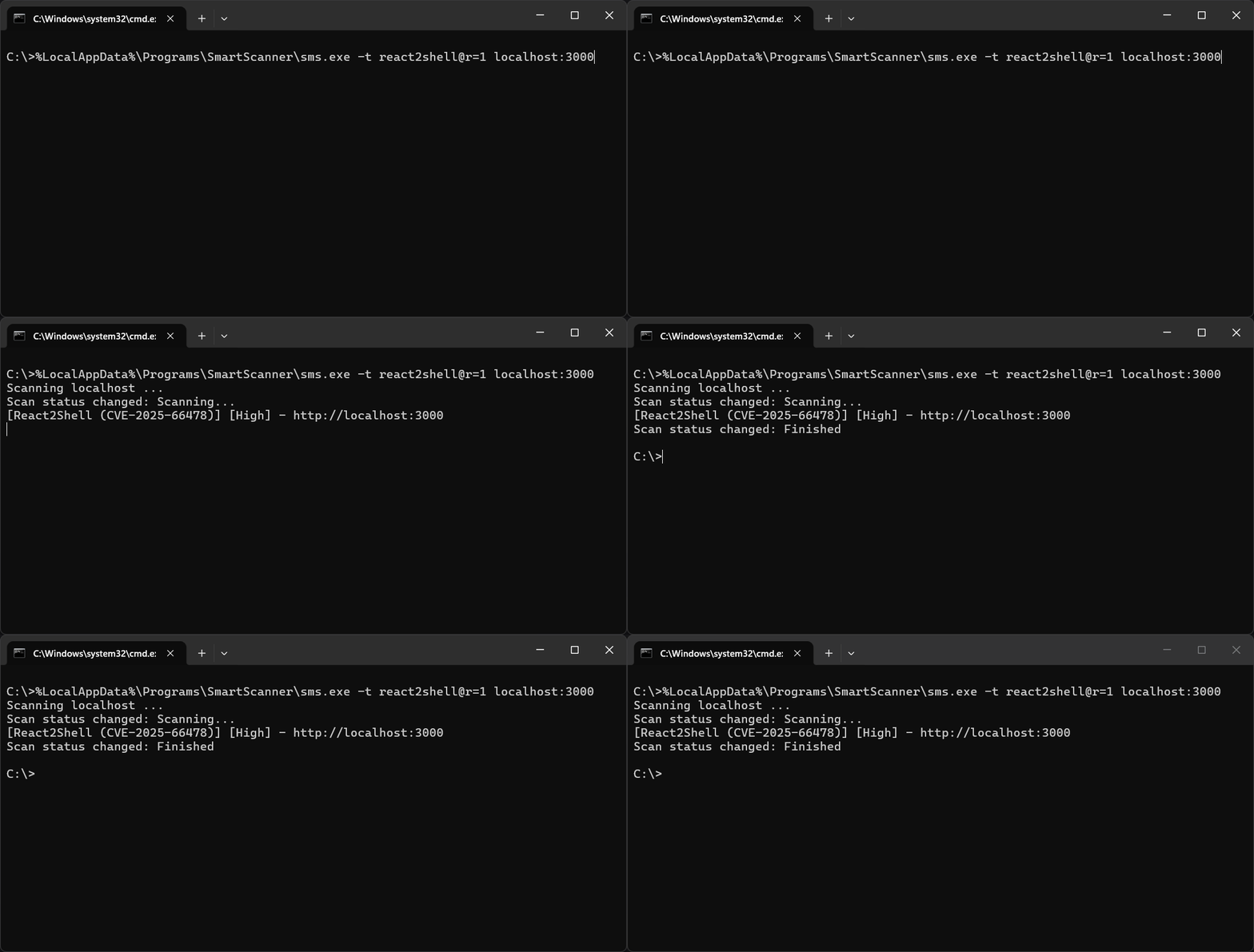
Run the following command in Windows Command Prompt:
sms.exe -t react2shell@r=1 localhost:3000
This executes the React2Shell test against localhost:3000.
Note: The
r=1parameter configures the trigger so the test runs on every user-input URL.
💡 You can add the
--no-discoveryoption to prevent crawling of the input url. With this option SmartScanner only tests for the react2shell vulnerability and avoids fetching the url.
Smart Detection with Framework Fingerprinting
To test for React2Shell only if the target is running Next.js, use:
sms.exe -t React2Shell -t fingerprint -u localhost:3000
This command:
- Runs the
fingerprinttest - Detects whether the target uses Next.js
- Triggers the React2Shell test only if applicable
This reduces unnecessary requests and improves stealth.
Scan Multiple URLs with CLI
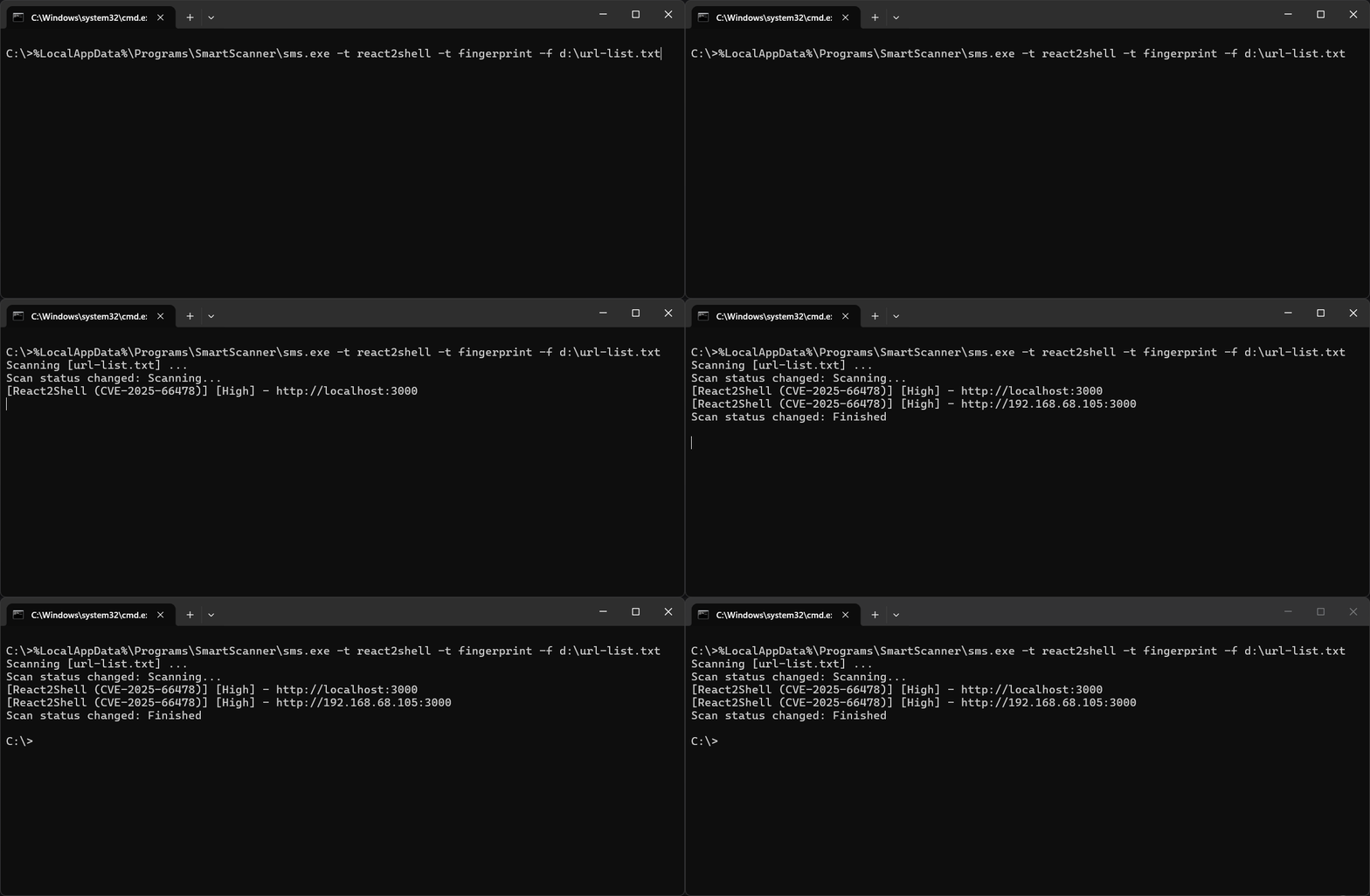
To scan a list of URLs from a file:
sms.exe -t react2shell -t fingerprint --no-follow -f c:\url-list.txt
This command:
- Reads URLs from
c:\url-list.txt - Performs fingerprinting
- The –no-follow option prevents crawling of linked pages
- Tests for React2Shell only if Next.js is detected
Final Recommendations
- Test all public-facing Next.js applications immediately
- Re-scan after patching to verify remediation
- Integrate SmartScanner CLI into CI/CD pipelines for continuous monitoring
- Monitor vendor advisories and apply framework updates promptly
React2Shell is a high-impact vulnerability. Proactive detection and remediation are critical to protecting your infrastructure.
If you maintain Next.js applications, don’t delay, scan today!